
Create an order for a driver to go pick up a parcel at a third location and let it be deliverd to a place of your choice.
Collection requests
-
What is a collection request?
How it works:
-
How do I create a CR?
Since this is very similar to creating a normal shipment, we recommend you get a grasp of how to do that first in the appropriate chapter.
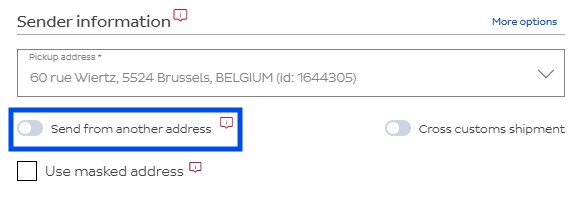
To create your Collection Request, click on the Create order option in the left menu, the same as you would do for a regular shipment. In the sender information segment, select the send from another address option.
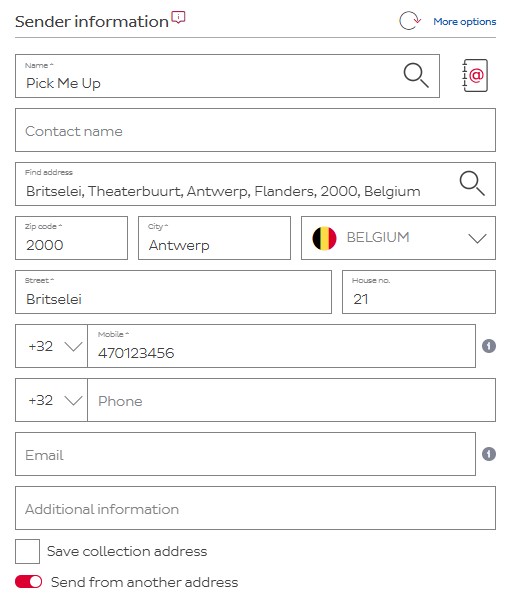
You’ll notice how the sender information segment expands. You can now enter a new address here, or use one from the address book. This is the address of where you want DPD to collect the parcel.
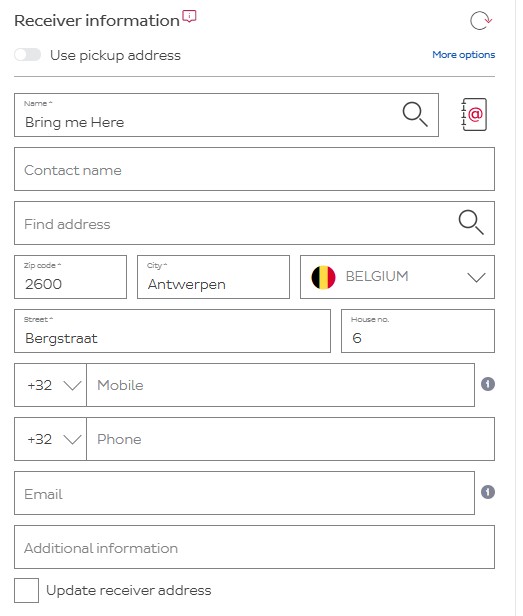
Next, in the receiver information segment, you must enter the details of where you want DPD to go bring the parcel. This can be yourself, or another address.
Save the shipment. You’ll notice you won’t get a label. This is normal since DPD will print it for you and have the driver bring it with him.